 BurnCraft
Laser software
for everyone.
Design, trace and burn with one friendly app. BurnCraft sketches like CAD, edits pictures like a photo app, drives your laser safely, and opens your LightBurn projects.
Sketch like CAD. Lay out like a pro.
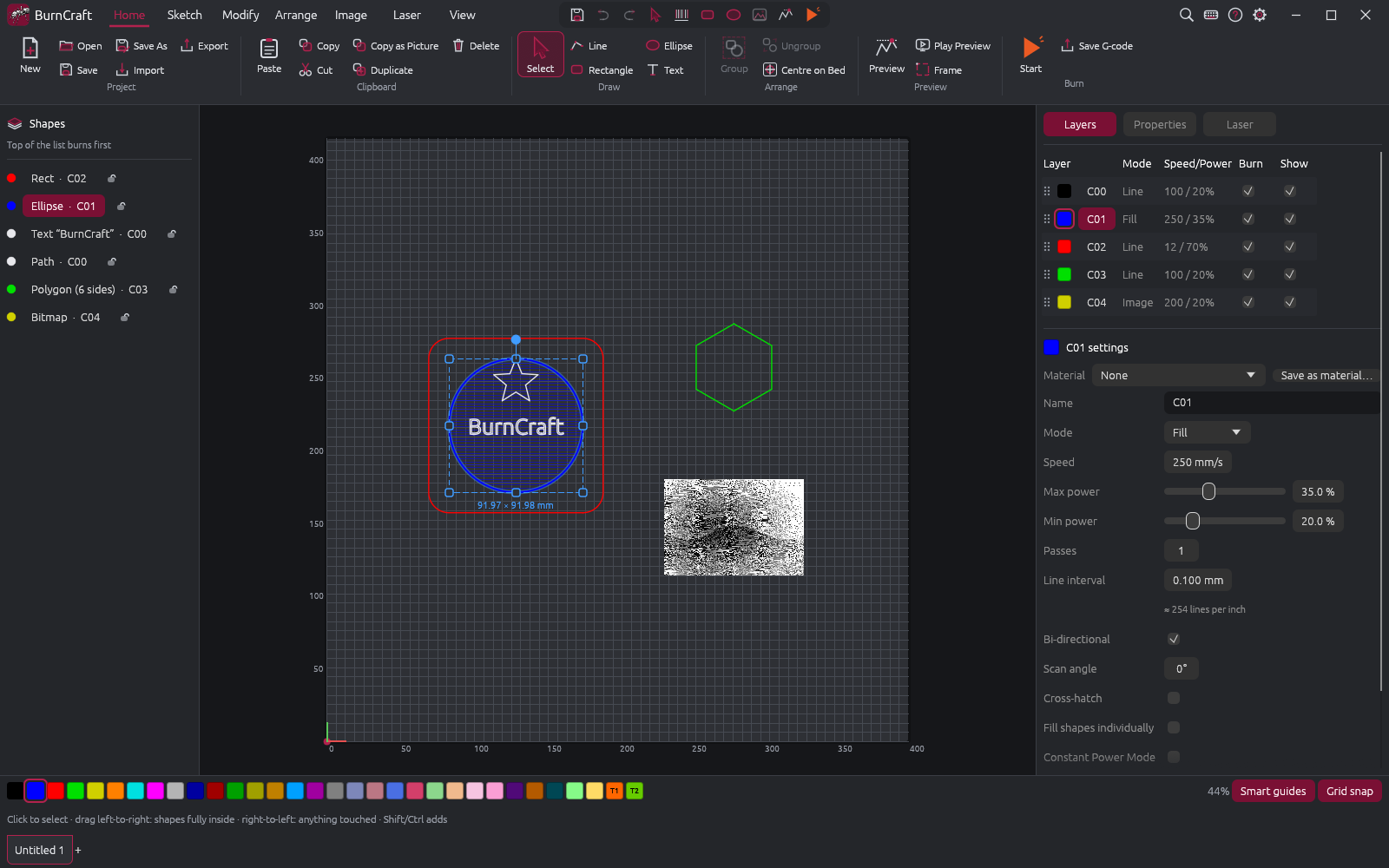
A tabbed ribbon with big, labelled tools that shrinks gracefully on small screens. Draw with lines, curves, arcs and shapes, then tie them together with relations and live dimensions.
- Weld, union, subtract, offset, fillet and trim
- Editable grid, circular and path arrays, and nesting that packs parts onto offcuts
- Text with your installed fonts, QR codes and barcodes, variable text and serial numbers
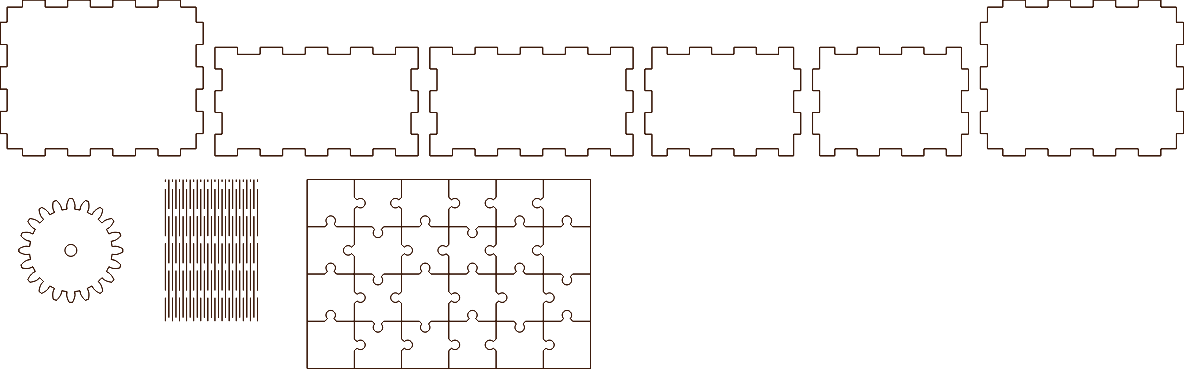
- Generators for finger-joint boxes, living hinges, gears and jigsaw puzzles
Bend it, wrap it, stencil it.
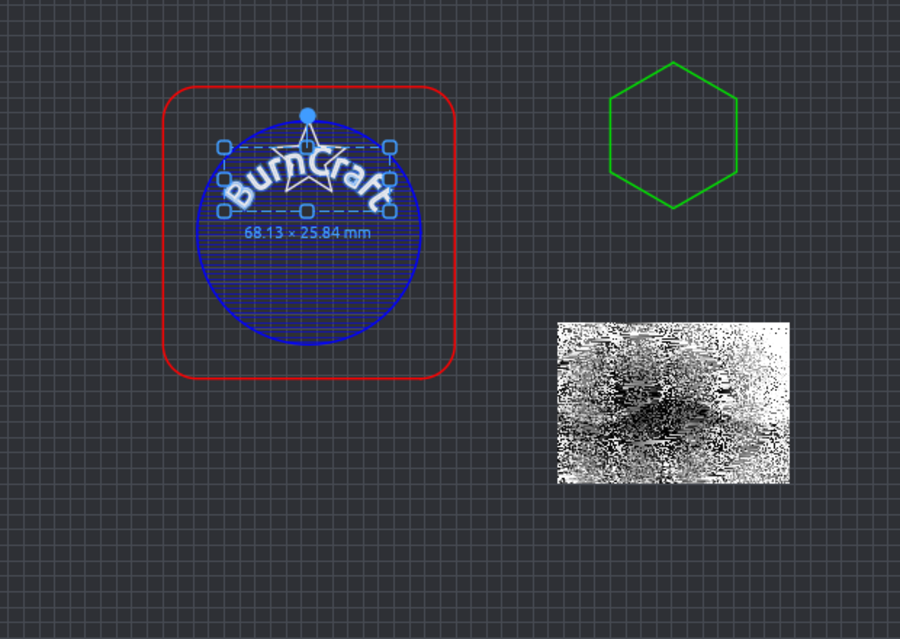
Put text around a circle or along any curve, and it stays editable. Warp shapes with live handles. Make stencils that don't lose the middles of their letters.
- Arch, arc, bulge, wave, rise, fisheye, perspective and mesh warps
- Skew, and rotate around any point you choose
- Bolden or thin, and automatic stencil bridges
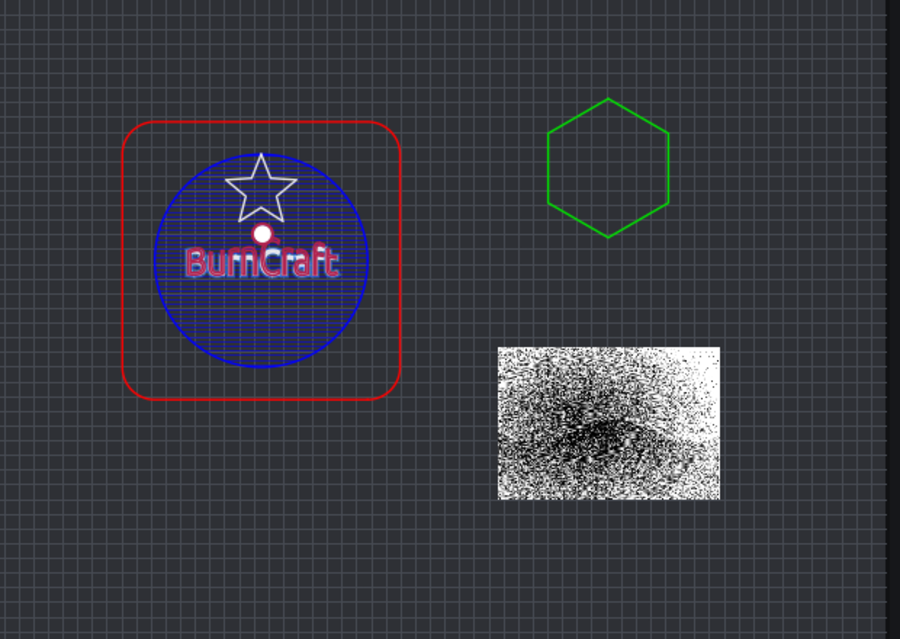
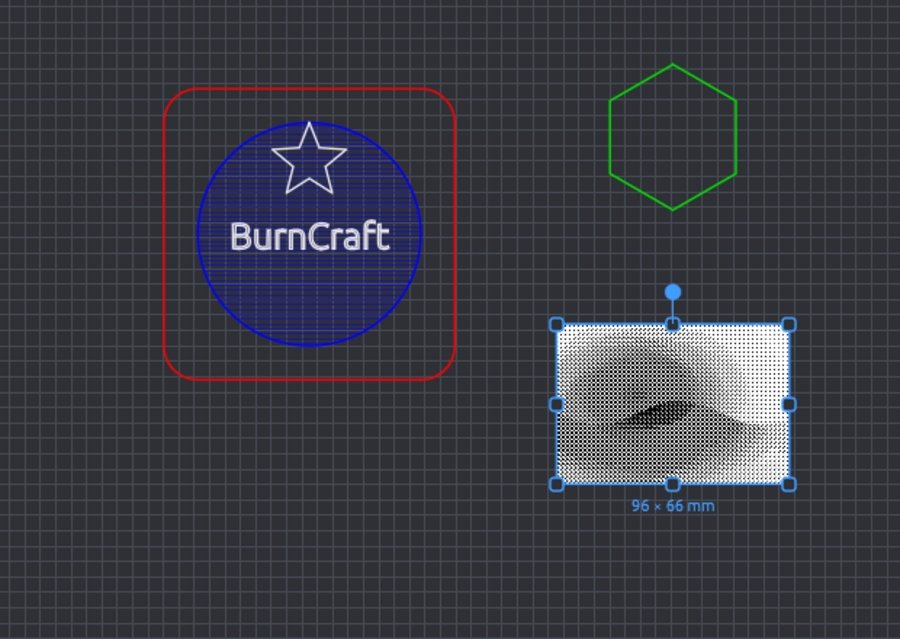
Photos that burn the way they look.
Pictures are resampled to your line interval before dithering, so the dots land exactly where the laser fires, and the canvas shows you precisely what will burn.
- Floyd–Steinberg, Jarvis, Stucki, Sierra, Atkinson, halftone and grayscale
- 3D slice depth engraving for fiber and CO2 lasers
- Trace to vectors, magic wand and lasso, and masking with any shape
Safe by design. Precise by default.
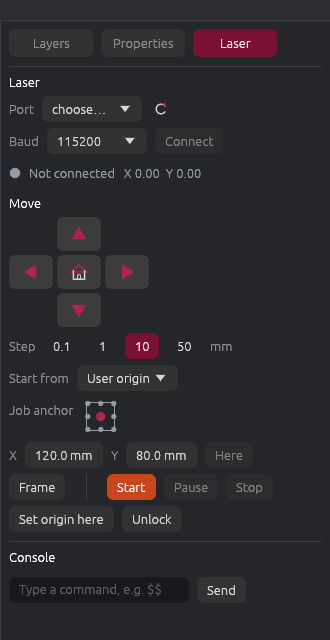
Every move BurnCraft sends is checked against your real bed first, even after you move the origin. Preview and Frame never fire the laser, and Start is the only button that does.
- Start from absolute coordinates, a saved origin or the head's position
- Kerf offset, overscan and tabs that hold parts in the sheet
- GRBL over USB, K40 M2 Nano boards, EZCad2 galvos and Ruida over the network
- Animated job preview with time estimates, plus rotary attachments
Find the perfect settings, then keep them.
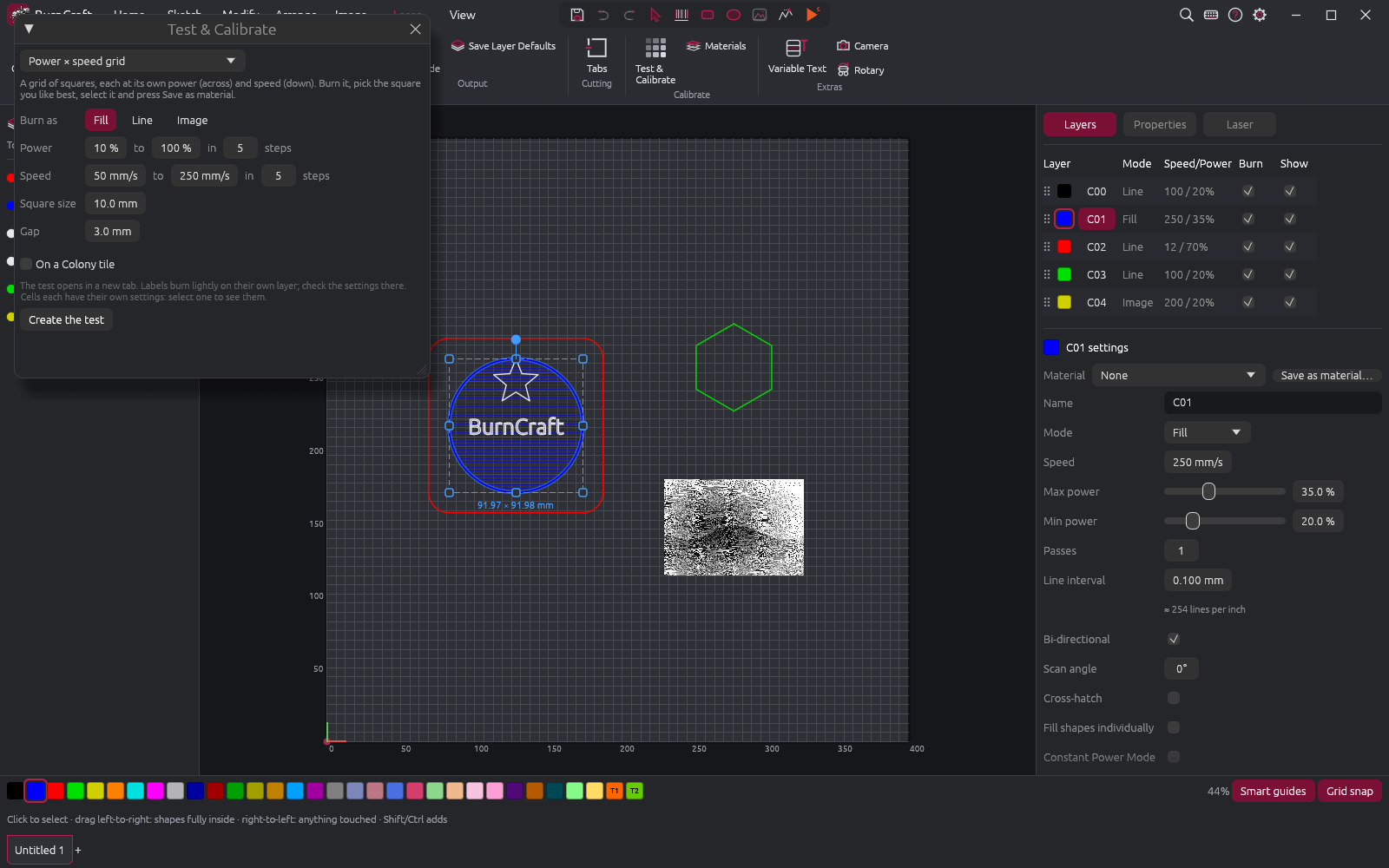
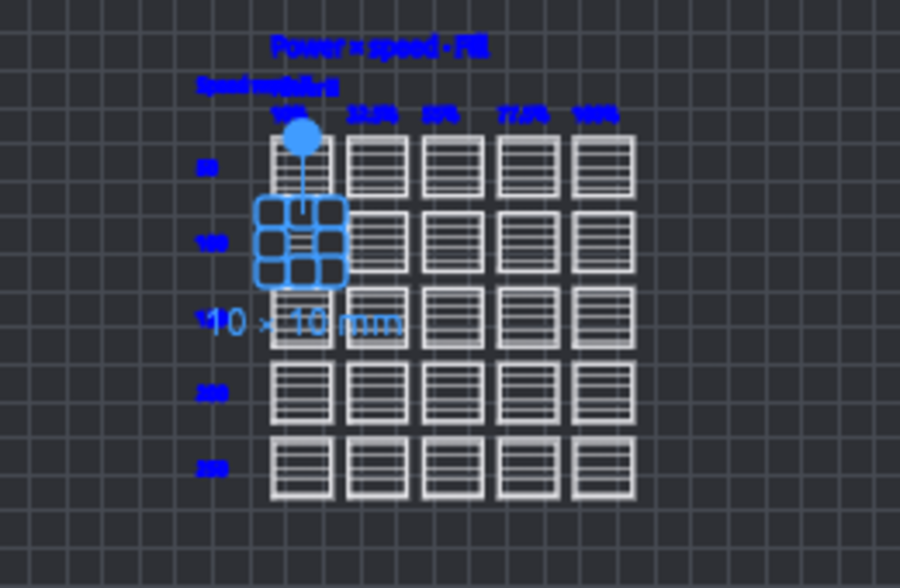
Test & Calibrate makes labelled test designs in one click. Every square burns at its own settings. When you find the one you love, save it as a material and apply it to any layer.
- Power × speed grids, cut-through ladders, line interval, focus ramp
- Kerf and fit with a calculator, colour on metal for MOPA fiber, fine detail
- A material library you can export and share
Collect what works. 🐜
Turn your best settings into collectible tiles, each with the ant mark, a serial number and a sample. The QR code holds the settings themselves: scan it with any phone, no website needed. And the BurnAnt is BurnCraft's standard benchmark, like a Benchy for lasers.
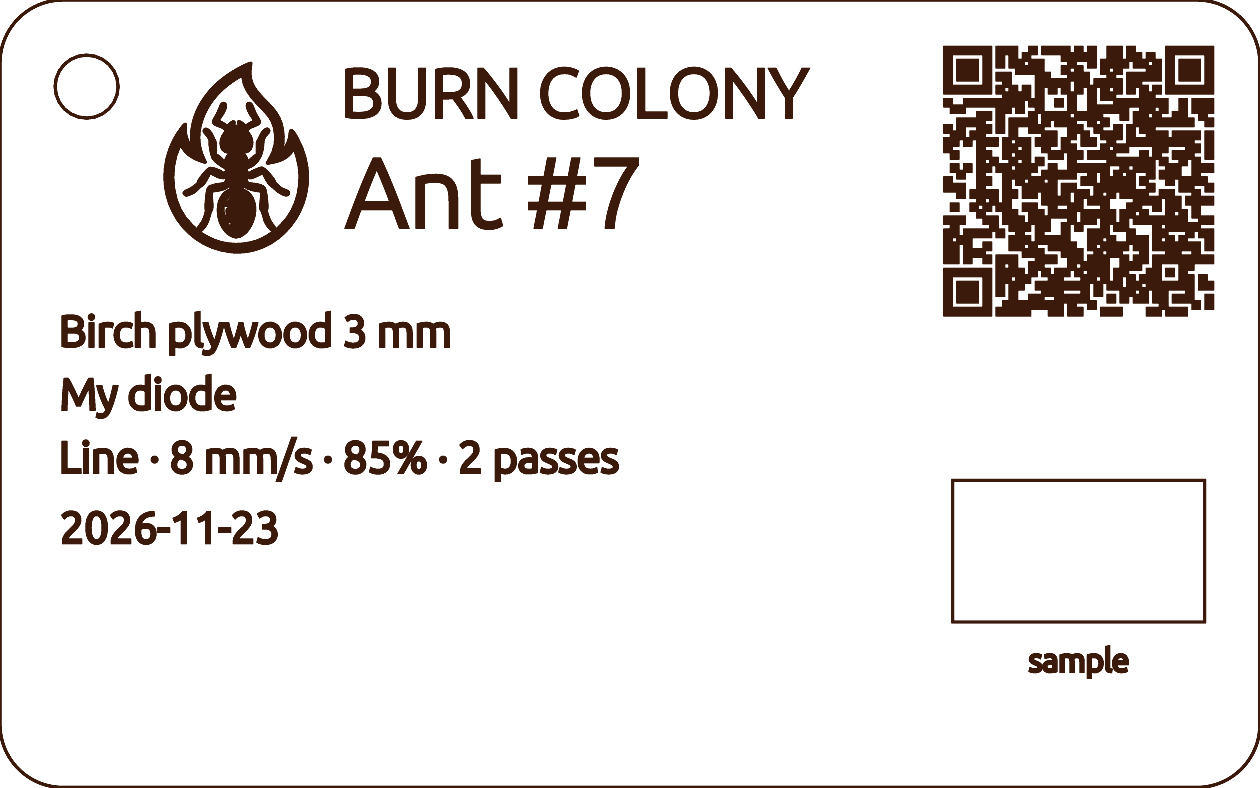
Colony card
80 × 50 mm, with the material, laser, settings and date.
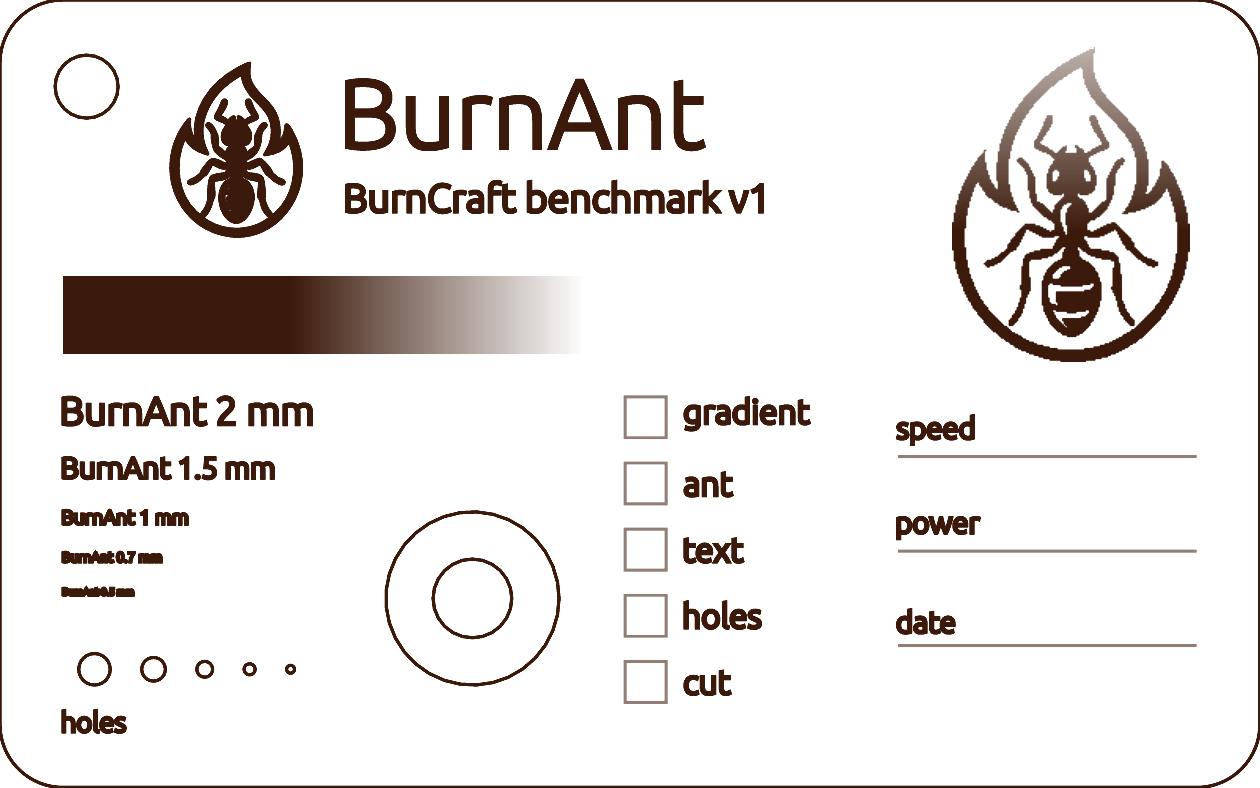
BurnAnt benchmark
Gradient, dithered ant, fine text, holes and a drop-out washer.
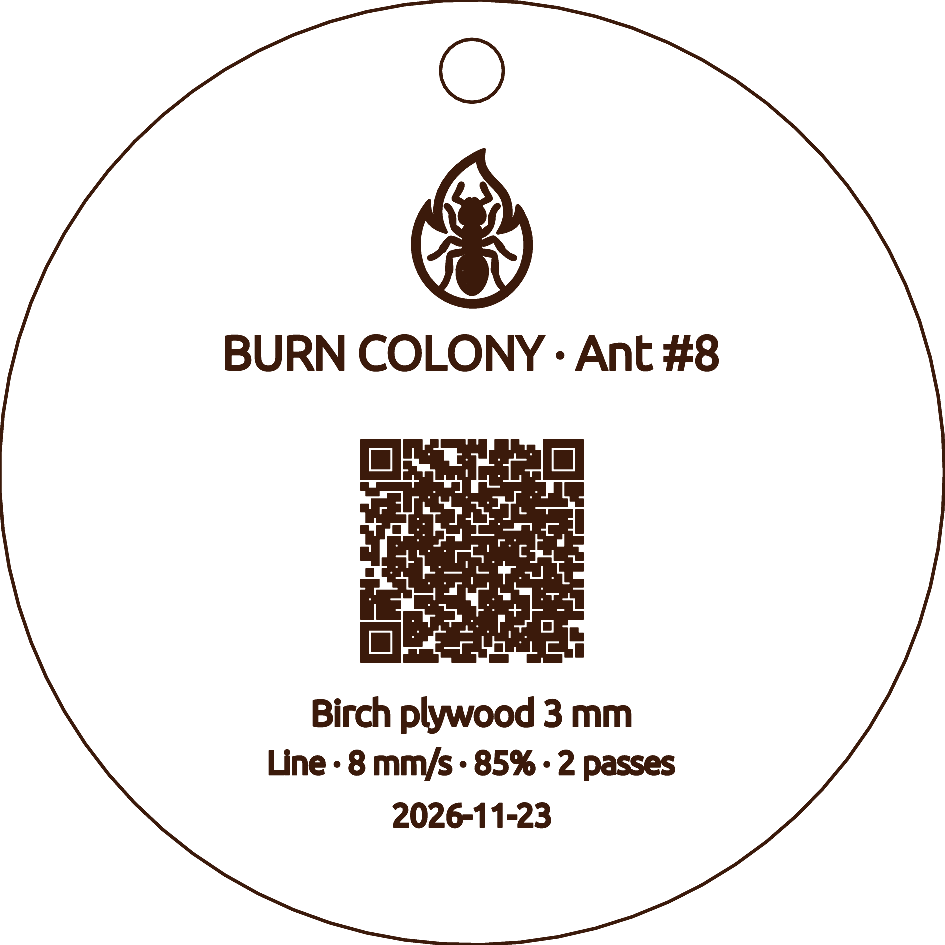
Colony coin
60 mm, for the keyring, the shelf or trading with friends.
From idea to parts in seconds.
Generate a finger-joint box from its size and material thickness, with the kerf already allowed for. Or make a living hinge, a gear with real involute teeth, or a jigsaw puzzle over your photo.